Leaderboard
Visual Modes
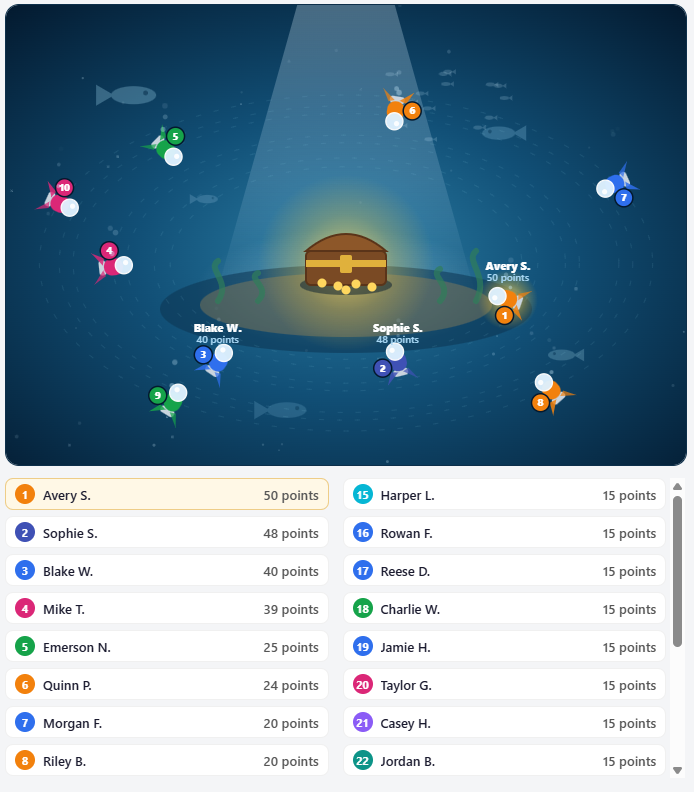
These modes offer a different visual to the standard table list
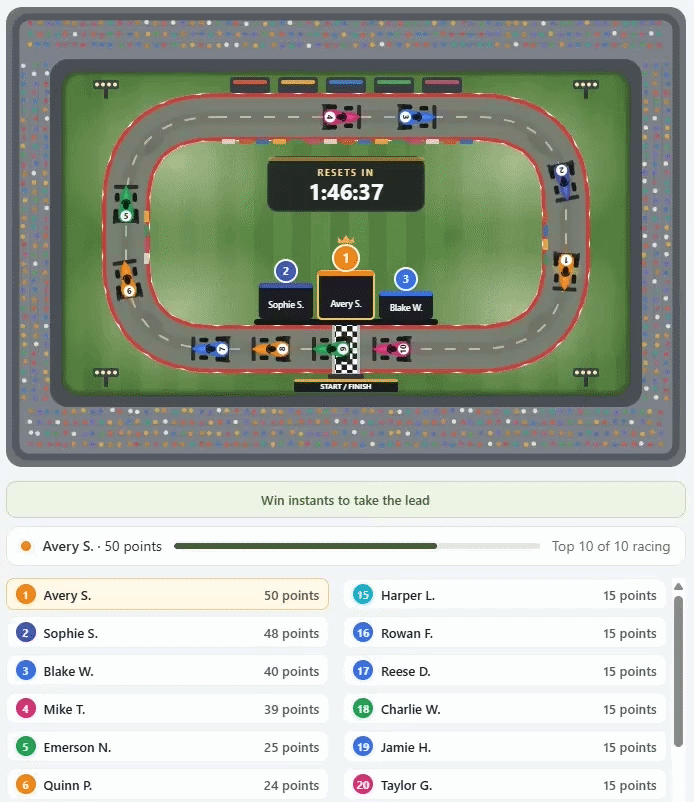
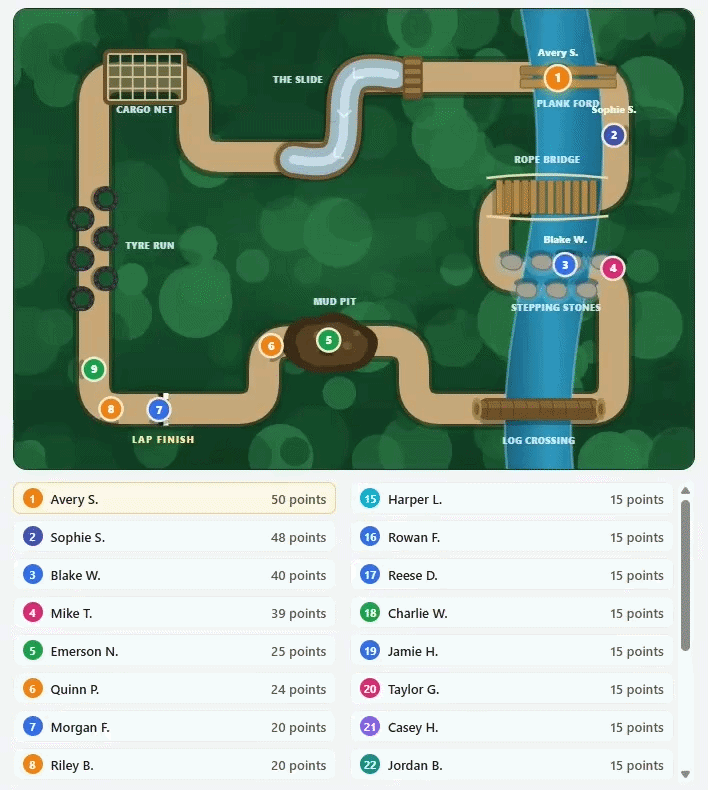
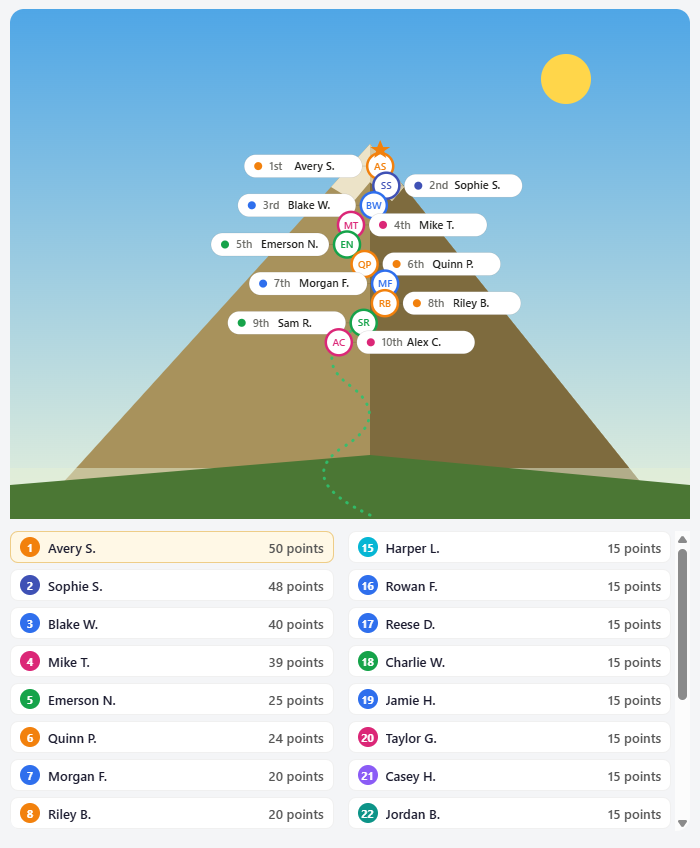

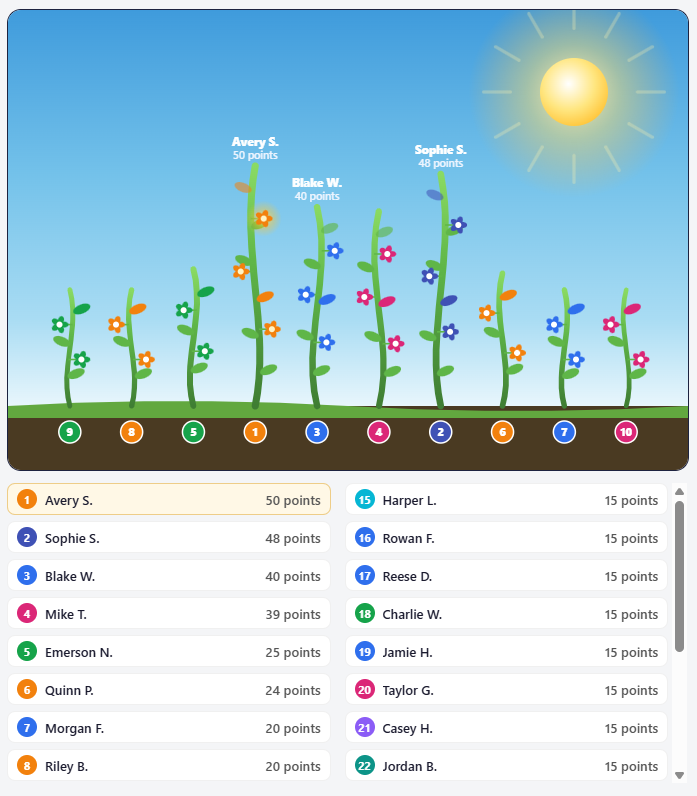
Leaderboard Settings
The Leaderboard plugs in with Instant wins to create a leaderboard podium. It can be intervalled by weekly or daily, aswell as one leaderboard for the entire duration of a competition.
Each Leaderboard is set per competition, so you can have a leaderboard competition, it is not a global leaderboard.
Below are the settings that are shown when creating a competition, you can setup any type of game mode aslong as you have instant prizes enabled.
Game Modes
Counts how many times a customer has won an instant, this is used to tally the scoreboard, those who have won more instant wins will be at the top
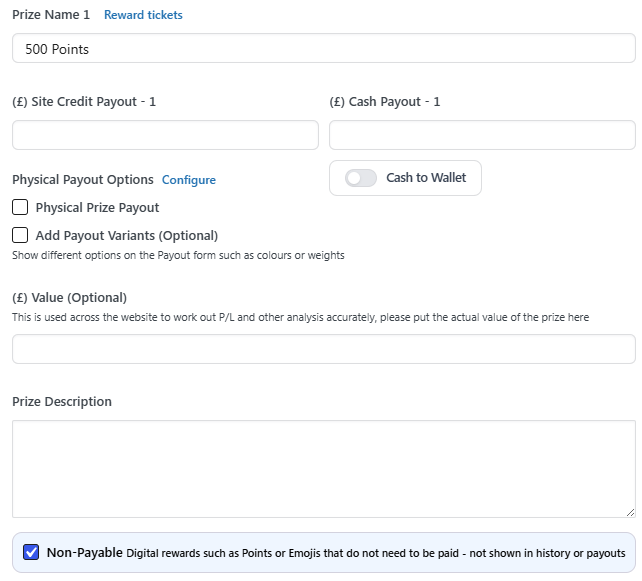
Add Pts or Points to your instant prize names such as "50 Points" it will tally up the points for each customer and put them on the leaderboard
An exclusive game mode where people can wear the Crown, steal it and compete to hold it the longest. The one who holds it for the longest overall wins.
You must put "Steal" and/or "Crown" in any instant win title, this allows someone to hold the crown and start the timer!
For example "Steal it", "Hold the Crown", "Steal the Crown"
Other keywords you can use instead of Crown or Steal are: Throne, King, Queen
For example "Sit on the Throne" "All Hail the new King" "Long live with Queen"
Setting up a Leaderboard
You can set the game mode, time the leaderboard resets and chooses a winner and the interval, these settings are found when creating a new competition under the description box

For a leaderboard that lasts the entire duration of the competition and does not reset, tick the "Set all time visuals" option, which will disable intervals and have an all-time leaderboard.
If you have the Payouts feature on your website, please make sure you click "Non Payable" on any instants that do not have a non-digital reward otherwise they will show up on the Payouts section for winners
Frontend View for Customers
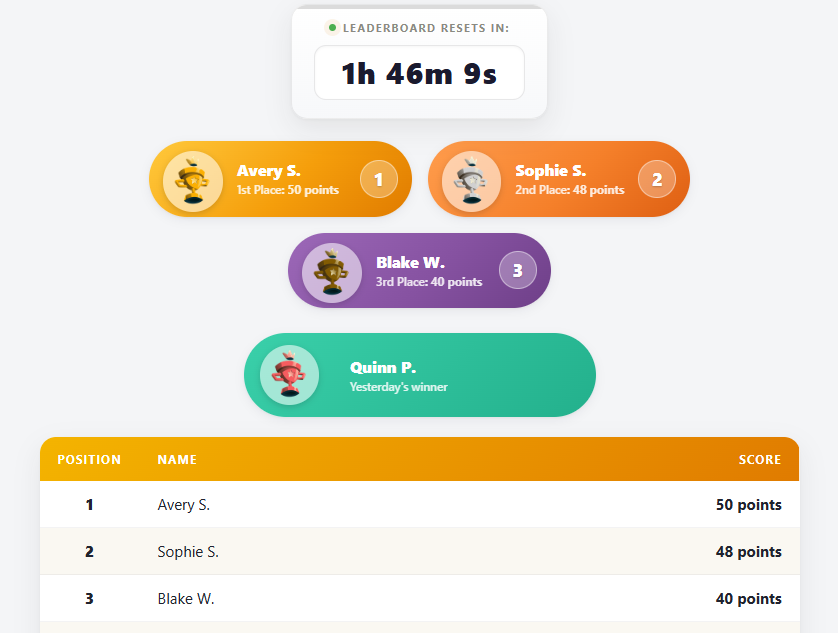
Here is an example of a basic leaderboard with podiums that is shown on the frontend.
How do I reward winners?
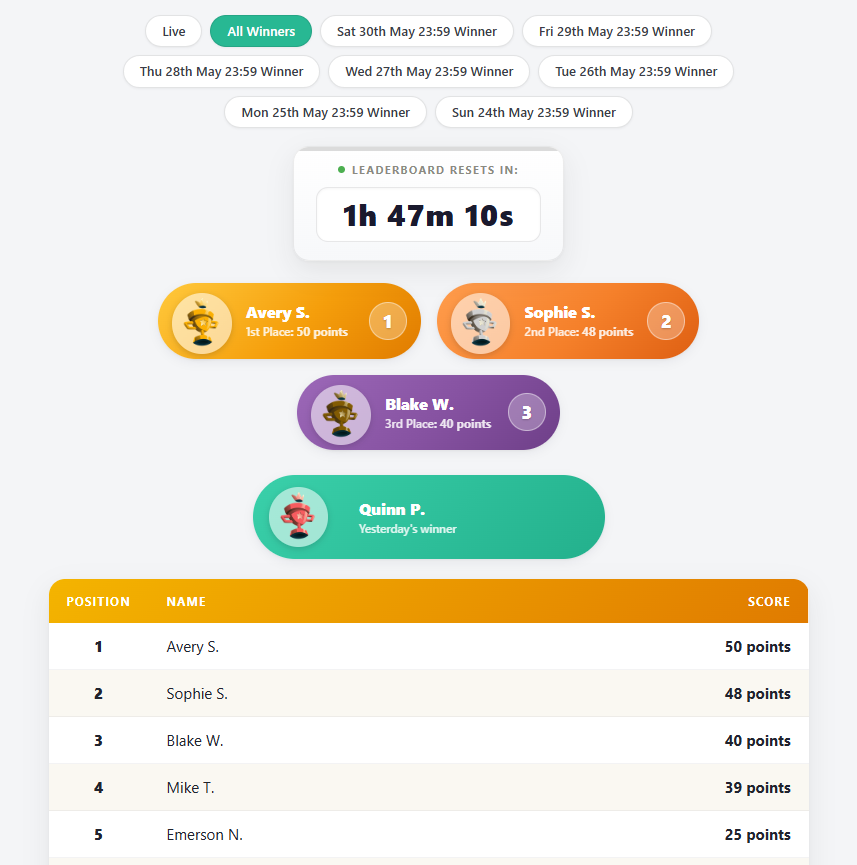
You can manually reward winners, typically with wallet credit. For admins you will be able to see the date ranges which you can click to see the timeline of the leaderboard at that point.
Here is an example:
Automatic Wallet Credit
With this feature you can optionally run automatic wallet rewards
First you need to select the Queue for approval mode on the Reward tab, after 3 competitions have been run on this mode you will be able to unlock the automatic mode.
Set the Wallet Credit you want to reward for each position on interval resets

On the Payouts tab you will find a report of the current stats & a ledger of everyone paid, if you're in the Queue for approval mode you will need to manually approve them which will automatically go to their wallet credit.
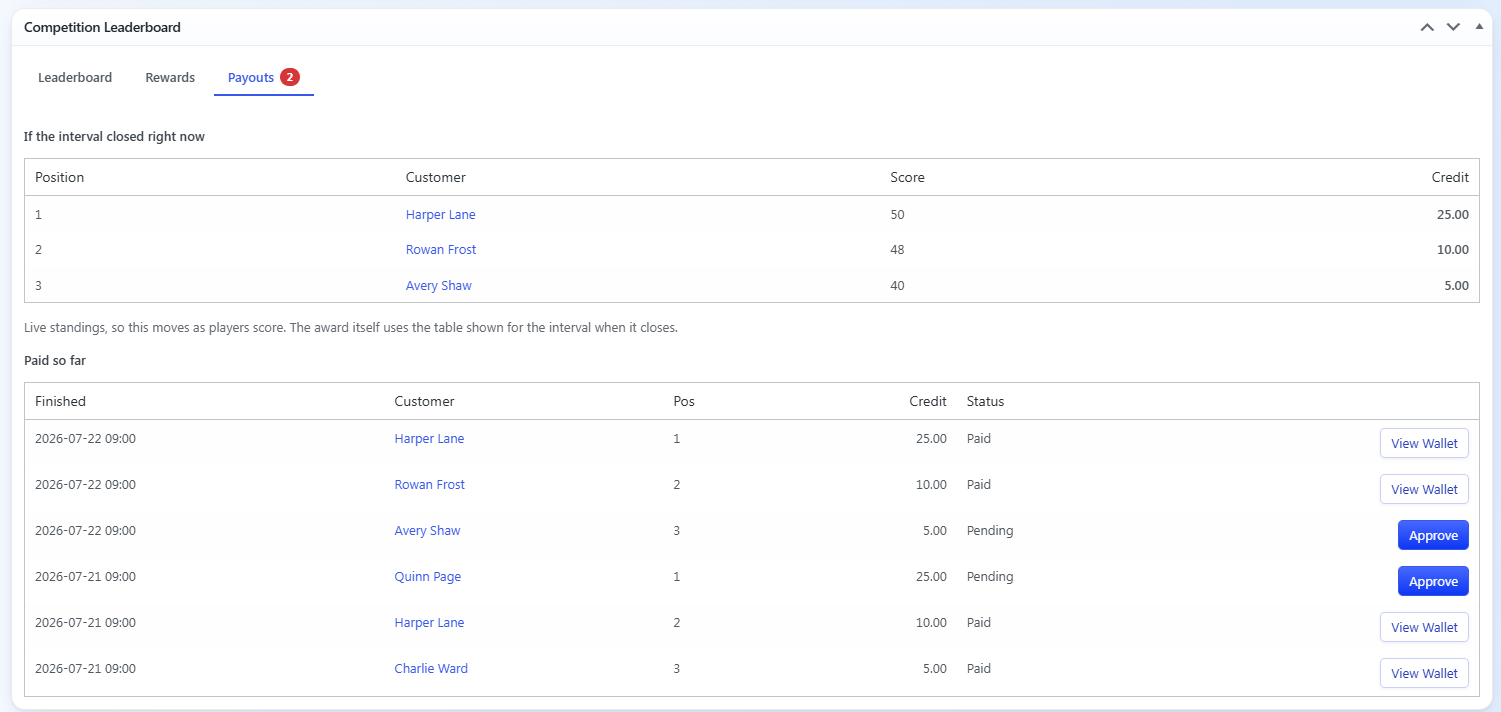
Automatic mode will skip the approval step and automatically reward them roughly 5 minutes after the interval reset. If you use Automatic mode please make sure your configuration is correct.